Sign in to Apex
Use the Google account connected to this managed agent cell.
Continue with GoogleUse the Google account connected to this managed agent cell.
Continue with GoogleShow your Apex agent how you complete a task in Chrome. Apex turns your demonstration into a reusable skill it can use from its own secure environment.
Some workflows may require a connection before Apex can replay them.
Apex records the visible Chrome content and actions you show during the demonstration. Password and verification-code fields are redacted. Saved credentials, cookies, browser storage, and raw keystrokes are not included.
Do not show passwords, verification codes, SSNs, or financial account information.
Waiting for OpenAI link.
Apex uses Gmail access for mailbox context, email draft preparation, and explicit operator-approved Gmail sends.
Apex uses Gmail to help licensed loan officers review relevant mailbox context, draft communications, and send email only after explicit operator approval.
The Gmail connector requests Gmail read and send scopes. Review the Privacy Policy.
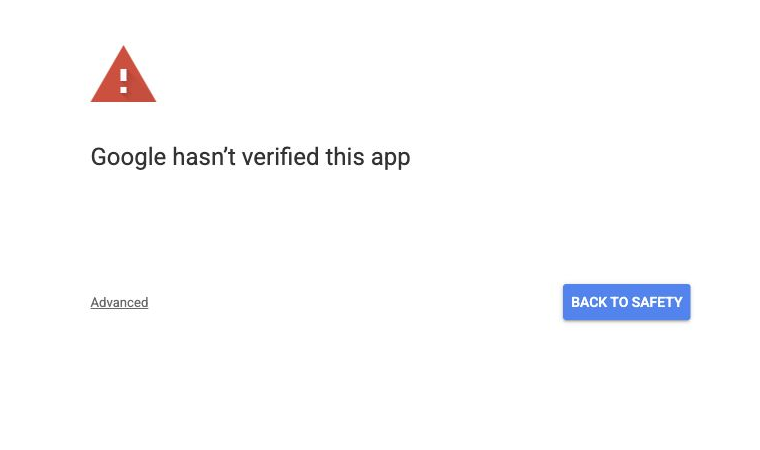
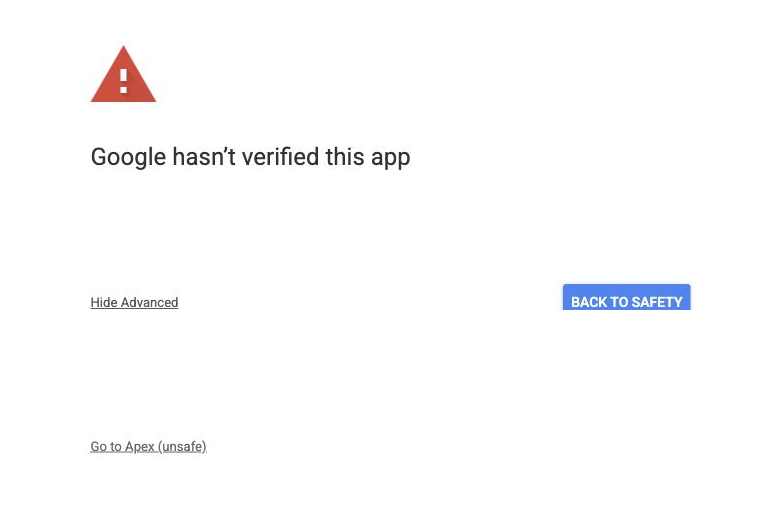
Enter the LoanSifter username and password once.
Apex encrypts these credentials server-side and stores them only after a successful login test. The username and password are never shown to the agent or placed into a prompt. Disconnect deletes the saved password and managed browser session.
Enter the LendingPad username and password once. If LendingPad asks for MFA, Apex will ask for the six-digit authenticator code.
Apex uses LendingPad for loan information and exports. Borrower-facing actions still need explicit approval.
Private storage: encrypted server-side. Authenticator codes are used once and not stored.
Enter the PropertyRadar email and password once.
Apex uses PropertyRadar to search property records and capture visible source evidence. Borrower-facing actions, CRM writes, and compliance-sensitive decisions still need explicit approval.
Private storage: encrypted server-side. Disconnect deletes the saved password and managed browser session.
Open Google Authenticator and enter the current six-digit LendingPad code.
This code is used only for the active LendingPad login attempt.
Enter the Bonzo email and password once.
Apex uses this login for read-only Bonzo and MMI browser workflows. It does not copy credentials into recordings or skills.
Private storage: encrypted server-side. Disconnect deletes the saved password and managed browser session.
Waiting for a Bonzo API token.